Uploaded Images
Prompt
Aspect Ratio
Output Image Count
GPT Image 2 Results
No images yet
Get started with these simple steps
GPT Image 2Fast Creative Image Generation
GPT Image 2 is OpenAI's image generation model, available on Nano Banana Lab alongside the Nano Banana family. It has a recognizably different rendering style and strong prompt understanding, costs 4 credits per image here, and accepts your own photos as references — a useful second opinion when a Nano Banana result is not clicking.
What it is good at
A different eye in the same workspace
Distinct rendering style
GPT Image 2 interprets prompts differently from the Nano Banana family — cleaner illustration looks, different lighting choices. Running both on one prompt is the fastest way to pick a direction.
Strong prompt comprehension
Long, specific prompts with several conditions land reliably. Scene composition and object relationships follow the text closely.
Image references
Upload photos to steer the result: restyle a picture, borrow a composition, or keep a product recognizable in a new scene.
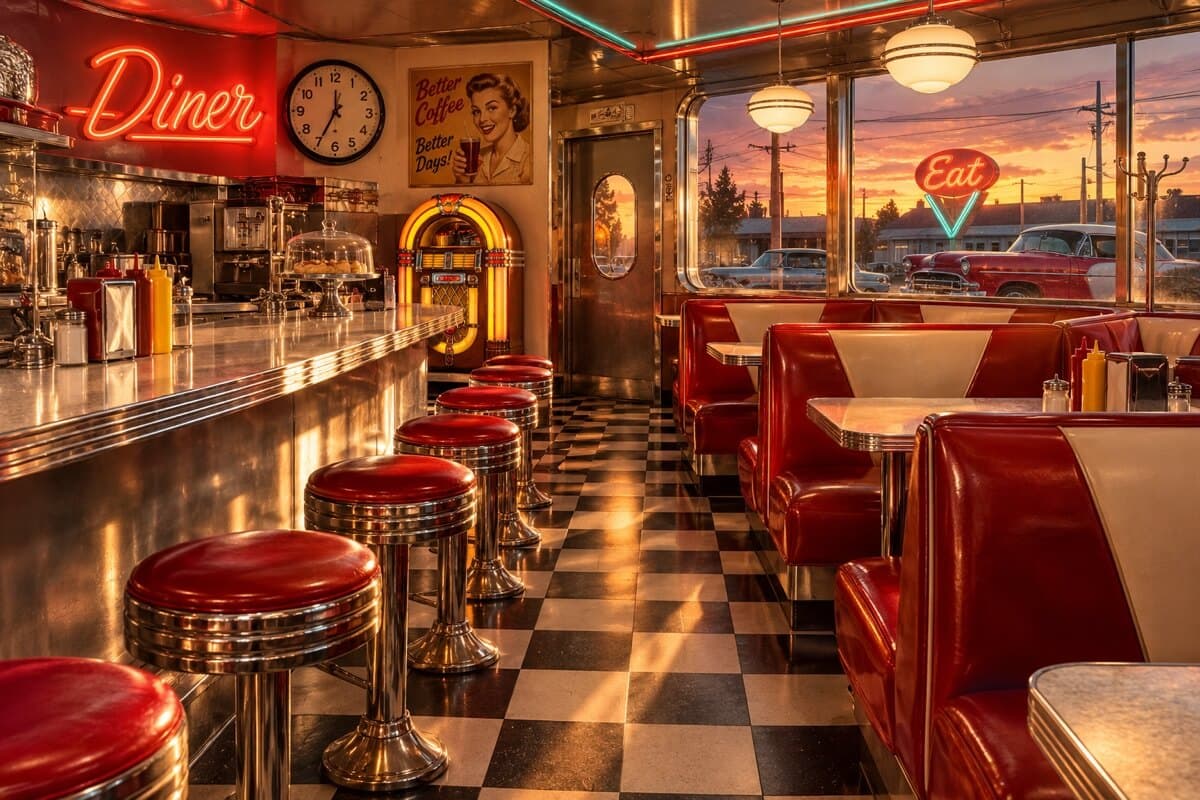
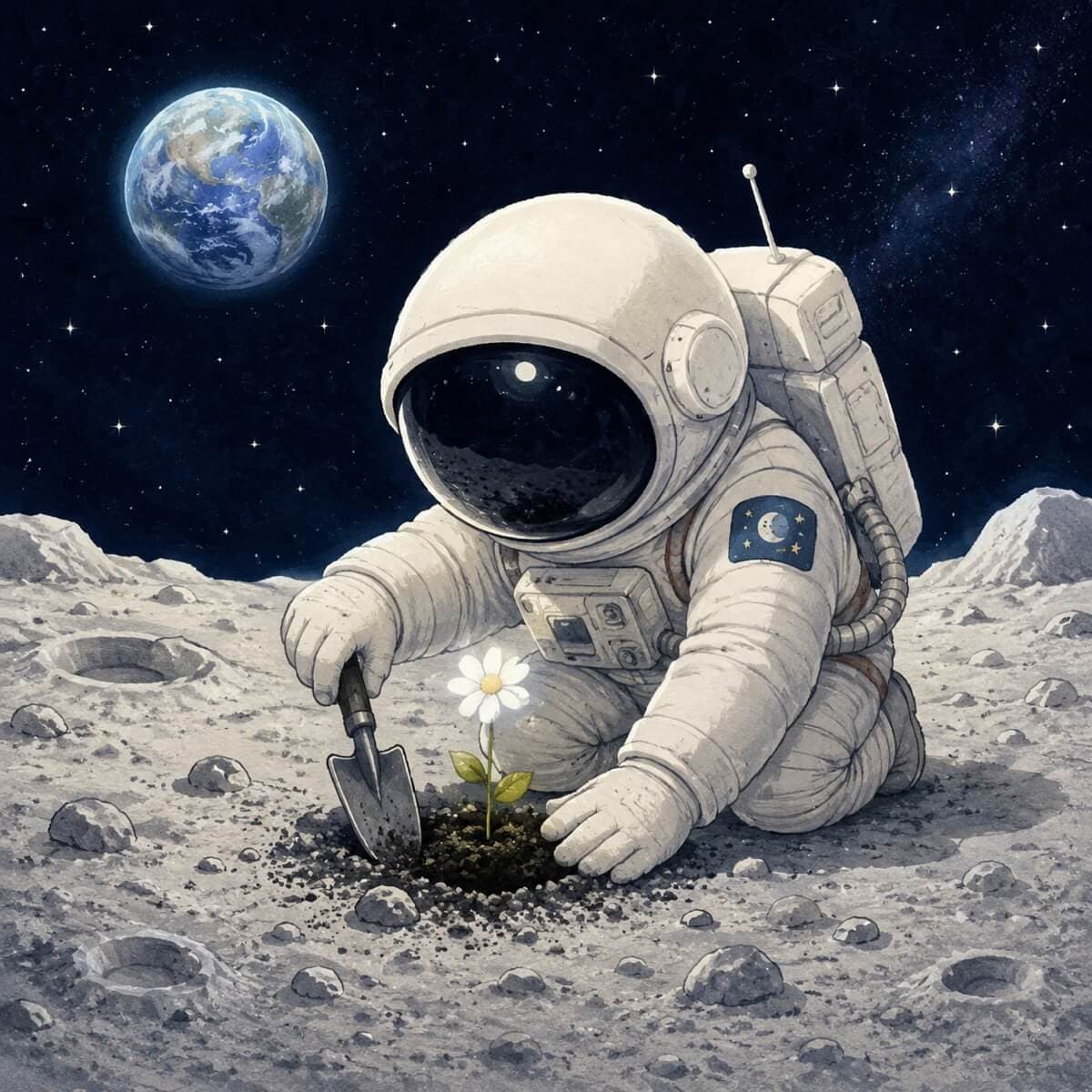
Example outputs
Generated with GPT Image 2
Real, unedited results with their prompts.
Pricing
GPT Image 2 cost in credits
Flat per-image price, multiplied by the batch size.
| Images per run | Cost |
|---|---|
| 1 | 4 credits |
| 2 | 8 credits |
| 3 | 12 credits |
| 4 | 16 credits |
The exact total shows on the button before every run. Failed generations are refunded.
Choosing
GPT Image 2 vs Nano Banana
When to use which — honestly.
| GPT Image 2 | Nano Banana | |
|---|---|---|
| Made by | OpenAI | |
| Best for | Alternate style, complex prompts | Fast consistent photo edits |
| Price per image | 4 credits | 2 credits |
| Reference photos | Yes | Yes, up to 10 |
FAQ
GPT Image 2 is OpenAI's image generation model. On Nano Banana Lab it runs in the same form as the Nano Banana models, so you can switch between them and compare results on the same prompt.
4 credits per image; a batch of four costs 16 credits. The price is shown on the Create Image button before you run.
Try GPT Image 2 when you want a different aesthetic, when a complex multi-condition prompt is being misread, or simply as a second take. For fast photo edits with strict subject consistency the Nano Banana family is usually the better first choice.
Yes — upload reference photos and describe what to do with them. GPT Image 2 uses them to guide style, composition, or the subject of the result.
Compare it on your own prompt
Run the same idea through GPT Image 2 and a Nano Banana model — the form above switches models in one click.
Generate with GPT Image 2