Uploaded Images
Prompt
Aspect Ratio
Resolution
Output Format
Output Image Count
Nano Banana Pro Results
No images yet
Get started with these simple steps
Nano Banana ProAdvanced AI Image Editor
Nano Banana Pro is the high-precision tier of Google's Nano Banana image model family, available on Nano Banana Lab for text-to-image generation and photo editing at up to 4K resolution. It is known for rendering legible text inside images and following complex, multi-part prompts — on this page you can run it directly with your own prompts and reference photos.
What you can do
Precision where the standard model guesses
Readable text in images
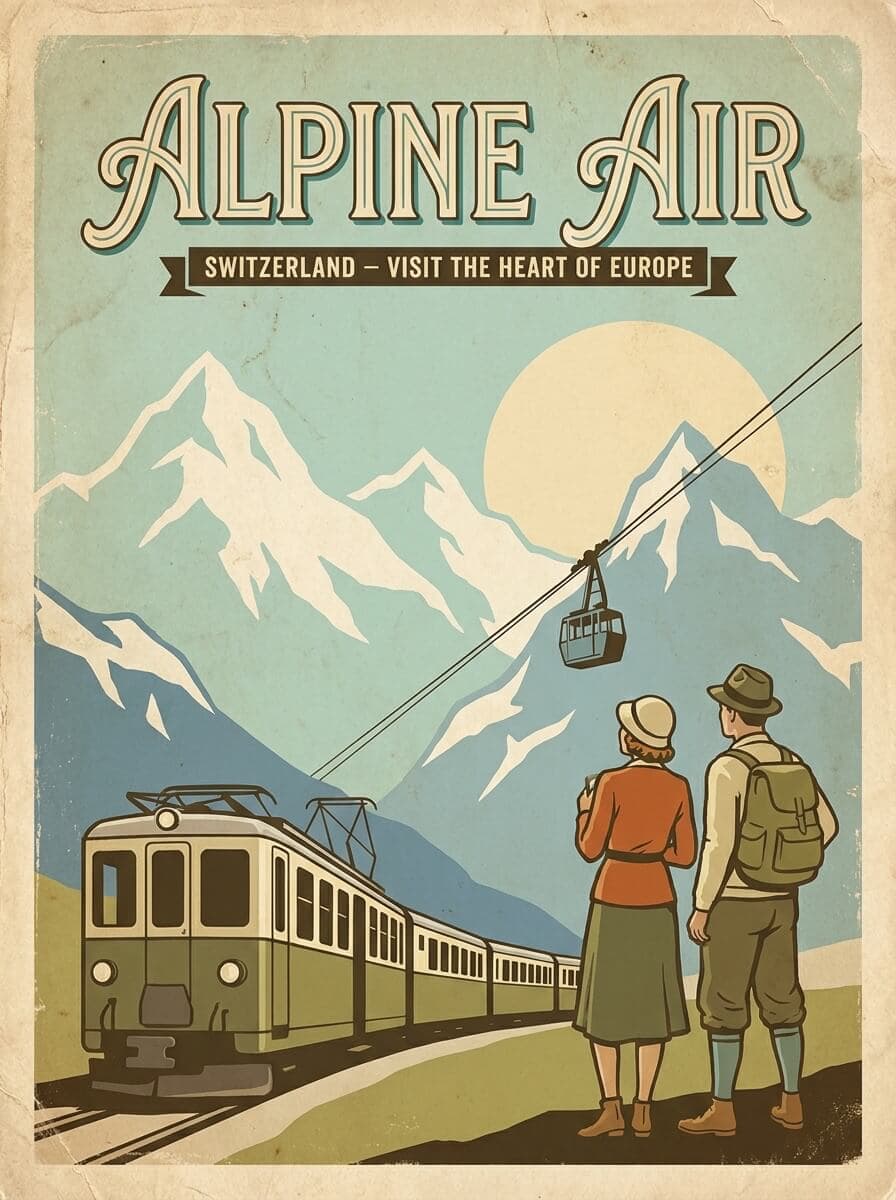
Posters, signs, labels, and logos come out with clear typography — the model family is specifically known for text rendering, which most image models still struggle with.
Edits from your photos
Upload reference images and describe the change. Pro keeps faces, products, and scenes consistent while it swaps backgrounds, lighting, or styling.
Print-ready resolution
Choose 1K for drafts, 2K for everyday work, or 4K when the result goes to print or a large screen. PNG and JPEG output, batches of up to four images.
Example outputs
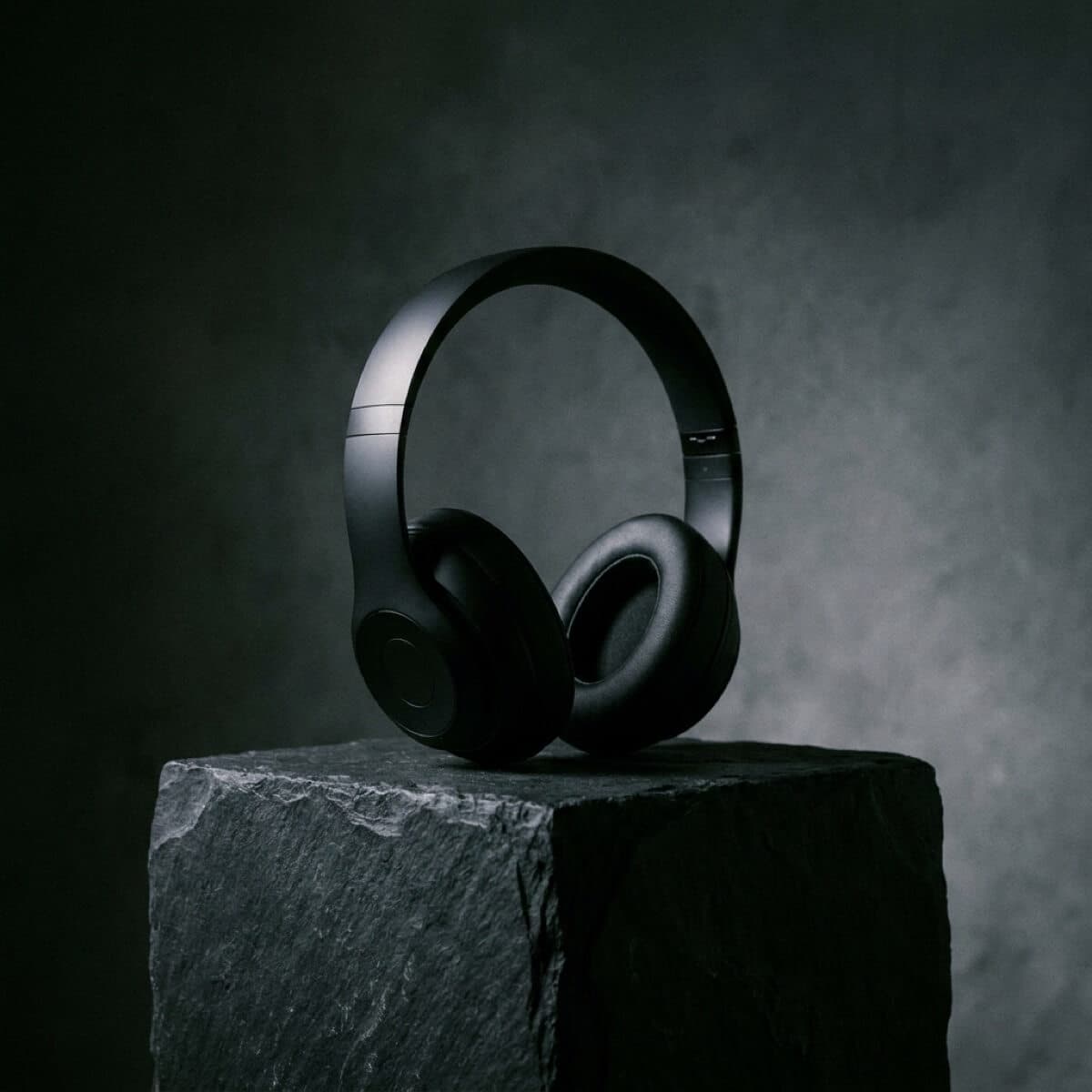
Generated with Nano Banana Pro
Straight from the model on this site — no retouching, prompts included.

How it works
From prompt to finished image
The form above is the whole workflow — no external tools needed.
- 1
Describe or upload
Write what you want in plain language. For edits, add up to ten reference photos and mention what should stay the same.
- 2
Set ratio and resolution
Pick an aspect ratio, choose 1K, 2K, or 4K, and set how many images to generate. The credit price updates on the button as you change options.
- 3
Generate and refine
Results land next to the form and in My Files. Re-run with a tweaked prompt, or upscale the best take.
Pricing
What Nano Banana Pro costs
Prices are per image, in credits, and shown on the button before every run.
| Resolution | 1 image | 4 images |
|---|---|---|
| 1K | 8 credits | 32 credits |
| 2K | 8 credits | 32 credits |
| 4K | 16 credits | 64 credits |
Example: four 4K images cost 64 credits. A failed generation is refunded automatically.
Choosing a model
Pro, standard, or Nano Banana 2?
Honest differences between the three closest options on this site.
| Nano Banana | Nano Banana Pro | Nano Banana 2 | |
|---|---|---|---|
| Best for | Fast everyday edits | Text, 4K, complex prompts | Quality/price balance |
| Resolutions | Standard | 1K / 2K / 4K | 1K / 2K / 4K |
| Price per image | 2 credits | 8–16 credits | 4–12 credits |
| Reference photos | Up to 10 | Up to 10 | Up to 10 |
FAQ
Nano Banana Pro is the advanced tier of Google's Nano Banana image model family. Compared to the standard model it adds resolution options up to 4K, a wider set of aspect ratios, and stronger results on text inside images and complex multi-part prompts.
On Nano Banana Lab a Pro image costs 8 credits at 1K or 2K resolution and 16 credits at 4K. The exact total for your settings is always shown on the Create Image button before you run anything.
Yes — that is one of the model family's defining strengths. Posters, storefront signs, labels, and simple logos come out with legible, correctly spelled type far more reliably than with most other image models.
Yes. Upload up to ten reference images, describe the edit in plain language, and Pro applies it while keeping faces and scene details consistent. This works for background swaps, relighting, restyling, and combining several references.
Use the standard model for quick everyday edits and drafts — it costs 2 credits per image instead of 8 and is faster. Switch to Pro when you need 4K output, text inside the image, or tighter control over a complex prompt.
Try Nano Banana Pro on your own prompt
The generator at the top of this page runs the real model — write a prompt, pick a resolution, and see the result in seconds.
Generate an image